
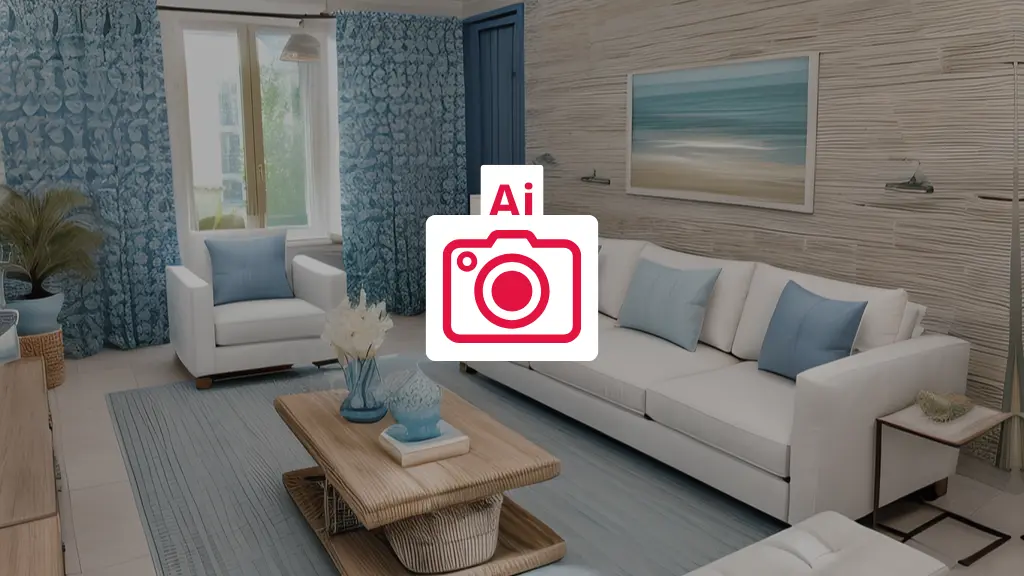
You know that feeling when you walk into a property and it looks nothing like the photos online? Yeah, we’ve all been there. The thing is, photos are everything in real estate now. Every single homebuyer starts their search online, and if your photos don’t grab attention in those first few seconds, they’re already scrolling to the next listing.
But here’s the good news: you don’t need to be a Photoshop wizard anymore. AI tools have completely changed the game.
What is Ai real estate photo editing?
Think of AI photo editing as having a really smart assistant that knows exactly what makes a property photo look great. Instead of spending hours tweaking colors, removing clutter, and fixing lighting, you upload your photo and the AI does the heavy lifting in seconds.
The technology uses machine learning algorithms that have been trained on millions of images. They can recognize what’s in your photo – whether it’s a living room, a backyard, or a kitchen and automatically make the right adjustments.
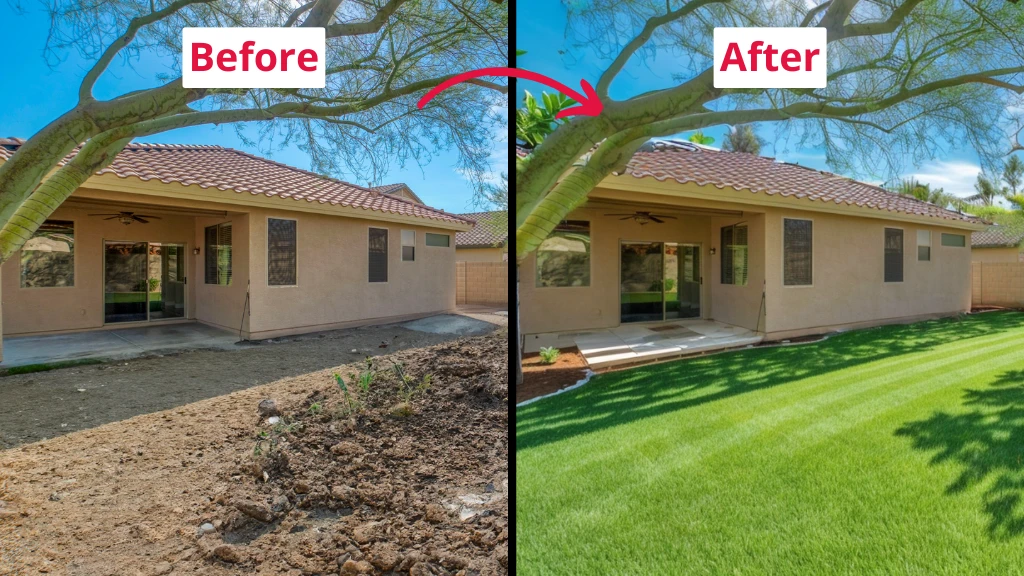
Backyard makeover with ai real estate photo editing: before and after
→ Try IACrea, the AI real estate photo editor
Why photos matter so much
Let’s be real: properties with professional-looking photos sell faster and for more money. When someone’s scrolling through dozens of listings, your photos need to stop them mid-scroll.
The problem is that most properties don’t photograph perfectly straight out of the camera. Maybe the lighting was off, there’s clutter in the corner, or the sky looks dull and gray. These little things add up and make buyers keep scrolling.
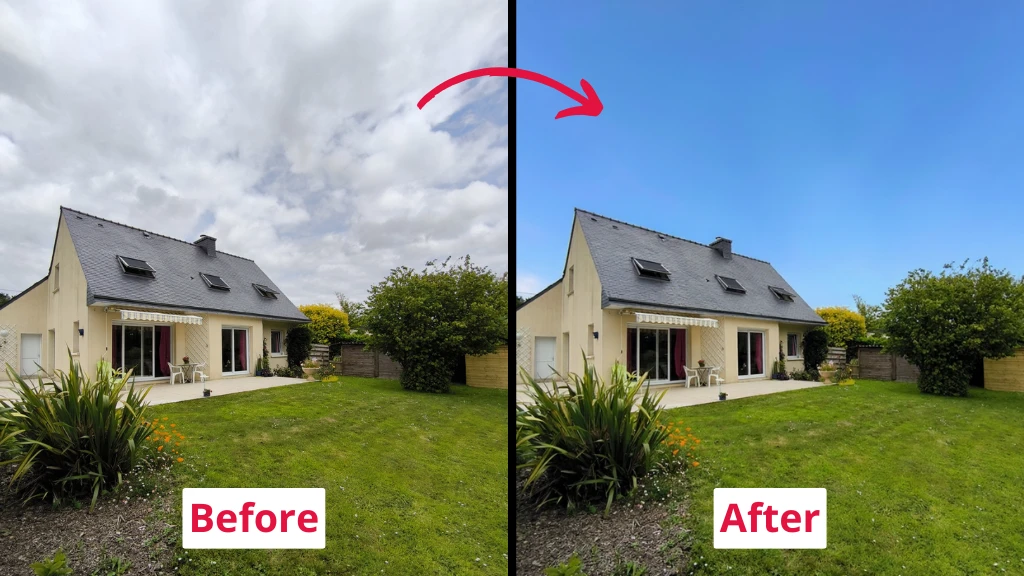
Sky replacement
What can Ai actually do?
AI editing tools have gotten really good at specific tasks that used to take forever:
- Fix the basics automatically – The AI adjusts brightness, contrast, and color balance. It knows when a room looks too dark or when the white balance is off, and it fixes it in seconds.
- Clean up spaces – Got a random chair in the shot? Toys on the floor? The AI can remove these objects cleanly, like they were never there.
- Replace boring skies – Took photos on a cloudy day? AI can swap in a beautiful blue sky that makes the property look way more inviting.
- Add furniture to empty rooms – This is where things get really interesting. Empty rooms are hard for buyers to visualize. AI can digitally stage these spaces with realistic furniture in about 20 seconds.
- Enhance image quality – Blurry photo from your phone? AI can sharpen details and upscale the resolution without making it look weird.
- Fix perspective issues – When you shoot with a wide-angle lens, walls can look tilted. AI corrects these distortions automatically.
- Remove unwanted elements – Power lines, date stamps, logos – anything that distracts from the property can be removed.
How fast are we talking?
This is the part that blows people’s minds. What used to take a professional editor 30-60 minutes per photo now takes under 5 minutes. Some tools deliver results in literally 20-30 seconds.
Research shows AI tools can cut editing time by up to 90%. That’s not a typo. If you’re shooting multiple properties a week, that time adds up fast.
Tools worth checking out
There are a bunch of AI editing tools out there now. Here’s what’s actually working for real estate pros:
IACrea specializes in real estate transformations. You upload your photo, pick your options (like staging style or type of edit), and click start. It handles everything from staging empty spaces to exterior modifications to creating animated videos from your photos. The interface is super simple – no artistic skills needed.
The virtual staging thing
Virtual staging deserves its own section because it’s probably the most game-changing feature.
Here’s the deal: empty rooms kill listings. Studies show that 8 out of 10 buyers can’t visualize what an empty space could look like furnished. Physical staging is expensive – we’re talking thousands of dollars and lots of logistics.
AI staging costs a fraction of that. You take a photo of an empty room, select a style (modern, traditional, minimalist, whatever), and the AI places realistic furniture that actually matches the space. It understands perspective and scale, so the couch doesn’t look weirdly floating or the wrong size.
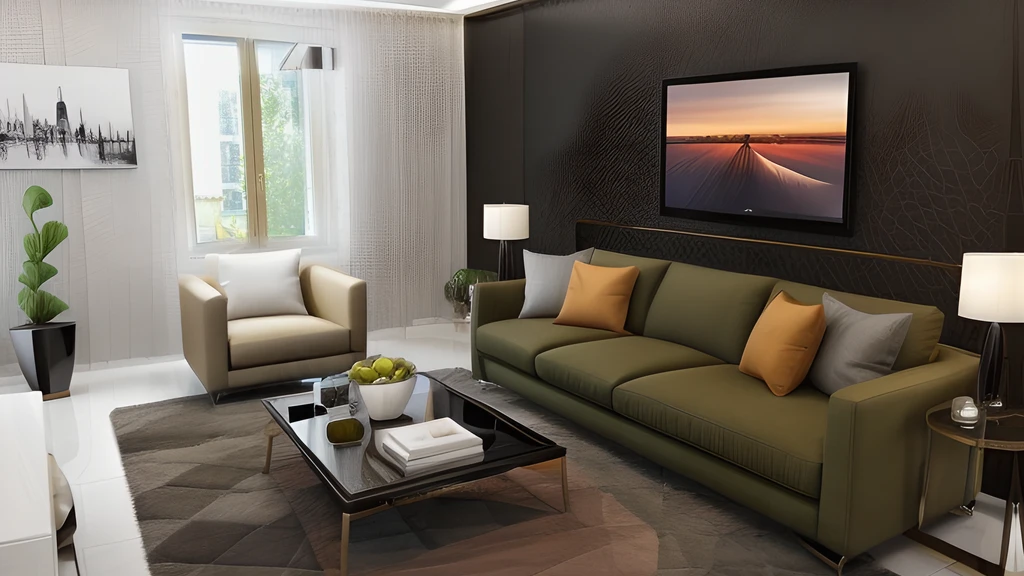
Good property photo with ai
The whole process takes about 30 seconds, and you can regenerate it for free if you want to try a different style.
Things to watch out for
AI is powerful, but it’s not perfect. Here are some real limitations:
- Don’t over-edit – There’s a temptation to make everything look perfect, but if the property looks completely different in person, buyers will be annoyed. Keep it realistic.
- AI can’t replace judgment – Sometimes the AI makes weird choices, especially in complex scenes with lots of clutter. You still need to review everything before publishing.
- Disclosure matters – If you virtually stage a room, you need to disclose that in your listing. It’s not just ethical – it’s legally required in many places.
- Quality varies – AI sometimes struggles with really complex edits or unusual angles. The technology is still learning.
What about costs?
This depends on what you need and how many photos you’re editing.
Some tools offer pay-per-photo pricing, starting around 75 cents to $1.50 per image for AI edits. Others use subscription models where you get a certain number of edits per month.
For virtual staging specifically, you’re looking at anywhere from a few dollars per image up to around $15-30, which is still way cheaper than physical staging.
→ Check out the price of IACrea!
Getting started
If you want to try AI editing, here’s a simple approach:
- Pick one tool (eg. IACrea) and test it with a few photos from a recent shoot
- Compare the AI results to your usual editing (if you do any)
- Show the results to a few clients or colleagues and get feedback
- Start incorporating it into your regular workflow for the tasks where it works best
Don’t try to switch everything at once. Start with the basics – lighting corrections, simple object removal, sky replacements – then expand from there.
The future of this
AI photo editing is only getting better. The tools are learning and improving constantly. Features that didn’t exist six months ago are now standard.
Some predictions for where this is heading:
- Even more realistic virtual staging that’s basically impossible to distinguish from real furniture
- Real-time editing as you shoot
- Better understanding of complex scenes
- Tools that can automatically create multiple styles from one photo so clients can choose